


DIGITALIZE
WMS
Every move in the warehouse, from receiving to shipping, at a glance
Purchase orders, receiving, order management, picking, shipping and inventory are managed in one place, so resources are put to good use and customers are served better.
OVERVIEW
Everything that happens in the warehouse,handled by WMS in one system
A system that runs the work and information of the warehouse: receiving and shipping, inventory, stock counts, defects, transfers, disposal and picking.
Use the buttons above to change the view.
The whole warehouse as one flow
Materials from suppliers pass through inspection, storage and picking on their way to customers, and the WMS platform records every move as it happens.
- Material and product flow
- PDA and barcode scans
- Real-time receiving and shipping records
Zone status
- SupplierNormal
- ReceivingNormal
- StorageNormal
- PickingNormal
- ShippingNormal
- CustomerNormal
- Material and product flow
- PDA and barcode scans (floor → platform)
- Receiving and shipping orders (platform → floor)
An example scene to aid understanding. The actual setup is designed for each site.
WHY WMS
Why do you need WMS?
Accurate warehouse stock matters more and more in production, shipping and procurement, and the leanest stock leads to the greatest profit.

01The limits of paperwork
Checking and recording delivery notes and shipping orders by hand leads to mistakes and omissions, and takes ever more time.
02Stock you can't locate
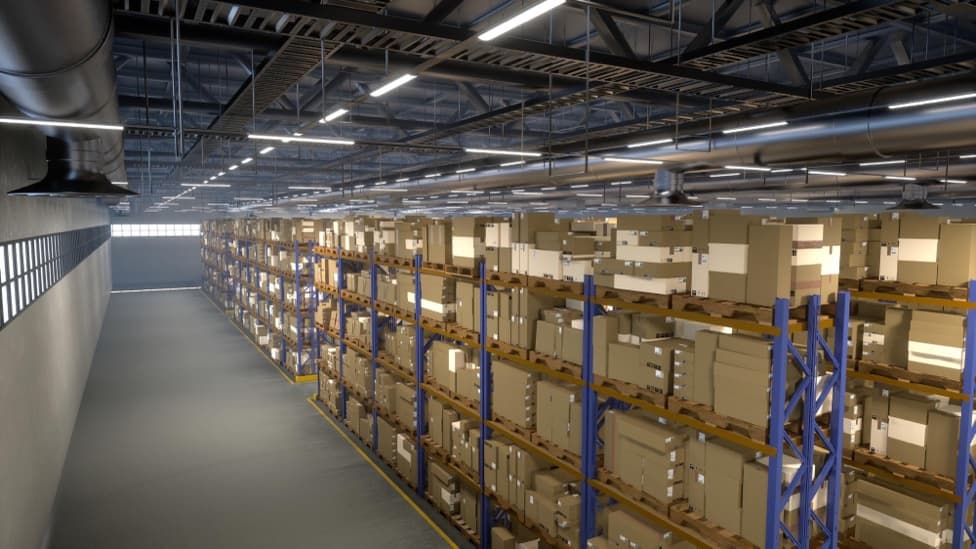
Without knowing at once how much of which item is where, finding and checking stock takes time.

03More demanding receiving and shipping
As suppliers' and customers' demands grow and supply chains get more complex, fast and accurate receiving and shipping has become a competitive edge.
SYSTEM ARCHITECTURE
One operating system from receiving to shipping
Purchase, production and sales data from SCM, MES and ERP drive receiving, storage and shipping, and PDA and barcode scans on the floor record every move in real time.
01 / INPUT
WMS PLATFORM
WMS
03 / OUTPUT
01 / INPUT
WMS PLATFORM
WMS
WMS PLATFORM
WMS
03 / OUTPUT
KEY FEATURES
Five functions that run the warehouse
From receiving and shipping to stock counts, locations and real-time monitoring.
Receiving
Expected receipts are looked up from linked purchase orders; after quality inspection a barcode is issued and the location registered to complete receiving.
- Expected receipts
- Incoming inspection
- Barcode and location
- Receipts and returns
- Purchase orders
- Supplier arrivals
- Storage locations
- Stock status
- What materials are due in today?
- Which receipts are waiting for inspection?
- Where was this material stored?
Every industry runs a different warehouse — we build the logistics system that fits its flow.

Auto bodies and parts

Rubber and plastics

Steel and metals

Food

Consumer goods

Distribution centers
Auto bodies and parts
Rubber and plastics
Steel and metals
Food
Consumer goods
Distribution centers
PROCESS
Build process
The key work at each step, from site review to stabilization.

Site review
- Define work, fix processes
- Set warehouse routes
- Organize requirements

System development
- Apply the WMS platform
- Tailor to the scope
- Link SCM, MES and ERP

Floor hardware
- PDAs, label printers, kiosks
- Floor network setup
- Install, test, integrate

Operation and stabilization
- Roll out and go live
- User training, know-how transfer
- Maintenance support


EFFECT
Effects
What it leaves behind in stock accuracy, receiving and shipping speed, materials control and data entry errors.

- 01
More accurate stock data
Receipts and shipments are recorded in real time, keeping stock by location and item accurate.
Real-time stockLocationsStock accuracy - 02
Faster receiving and shipping
Standard barcodes and PDA scans make receiving and shipping of materials and deliveries fast and accurate.
Standard barcodesPDA scansShipping match - 03
Systematic materials control
Receipts, issues and warehouse moves are managed by lot, securing FIFO and usage history and laying the base for warehouse, stock and process control.
Lot controlFIFOUsage history - 04
Fewer entry errors
Less manual entry means fewer data errors, mistakes and omissions, and less time spent managing.
Less manual entryNo human errorLess admin time