

DIGITALIZE
POP
Production results from the floor, on the spot
Production data is collected directly from workers, machines, PLCs and sensors, processed and given to floor managers in real time.
OVERVIEW
Results once gathered in daily work logs,collected by POP at the point of production
A data-driven floor management solution that records each moment on the floor — from work orders to output, run time and downtime — through KIOSKs, PLCs and sensors.
Use the buttons above to change the view.
Every moment on the floor, live
Work orders go down to the KIOSKs, and the machines' output and run status are collected automatically by PLCs and sensors and shown on the board.
- Work orders sent
- Output collected automatically
- Board updated live
Station status
- Production officeNormal
- PressNormal
- MachiningNormal
- AssemblyNormal
- PackingNormal
- Status boardNormal
- Product flow
- Output and status (floor → platform)
- Work orders and alerts (platform → floor)
An example scene to aid understanding. The actual setup is designed for each site.
WHY POP
Why do you need POP?
Floor management that leaned on handwritten records and operator experience runs instead on data that gathers itself.

01Daily work logs by hand
Writing output and job times into daily logs leads to mistakes and omissions, and rolling up results takes time.
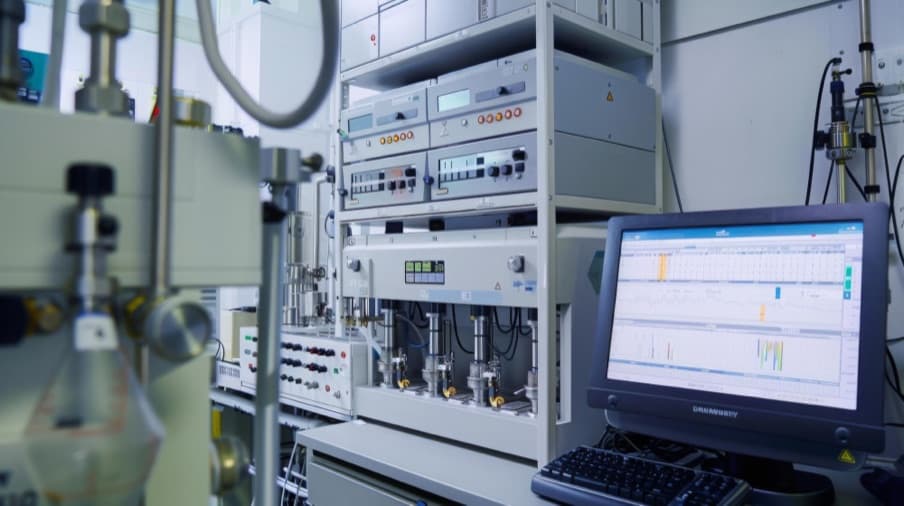
02A floor the office can't see
Which machine is running and which station is late can't be known without walking the floor, so decisions come late.
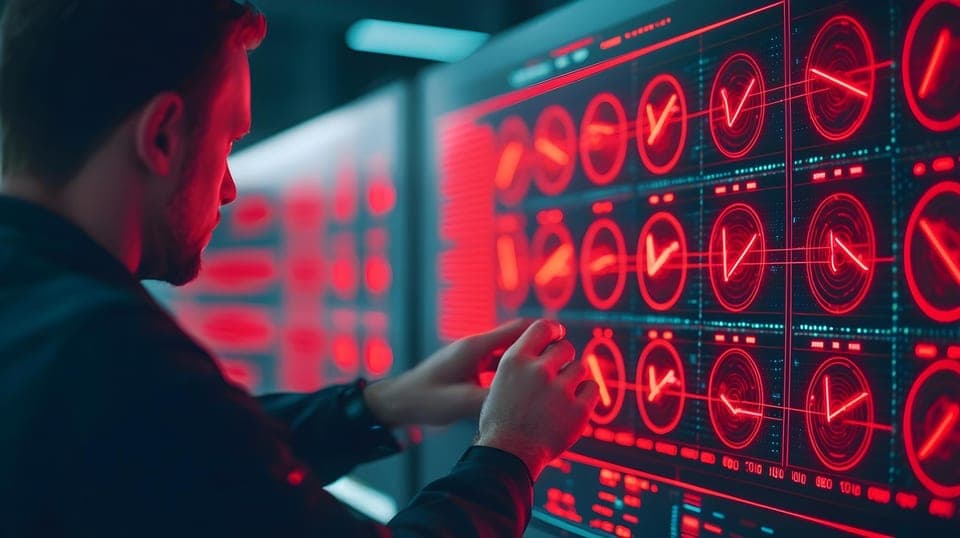
03Stoppages found too late
If when and why a machine stopped isn't recorded, downtime keeps recurring and its causes are hard to find and reduce.
SYSTEM ARCHITECTURE
One operating system for the point of production
Work orders from MES go down to the floor, and output and status collected by PLCs, sensors, KIOSKs and barcodes go up to managers and higher systems in real time.
01 / INPUT
POP PLATFORM
POP
03 / OUTPUT
01 / INPUT
POP PLATFORM
POP
POP PLATFORM
POP
03 / OUTPUT
KEY FEATURES
Five functions that run the floor
From work orders to output collection, downtime, monitoring and alerts.
Work orders
Work orders from MES go down to each station's KIOSK and tablet, and operators scan a barcode to start the job.
- Work order delivery
- Work standards
- Barcode job start
- Operator log-in
- MES work orders
- Work standards
- Station KIOSKs
- Machine start
- What are this station's orders today?
- What is this item's work standard?
- Which jobs haven't started yet?
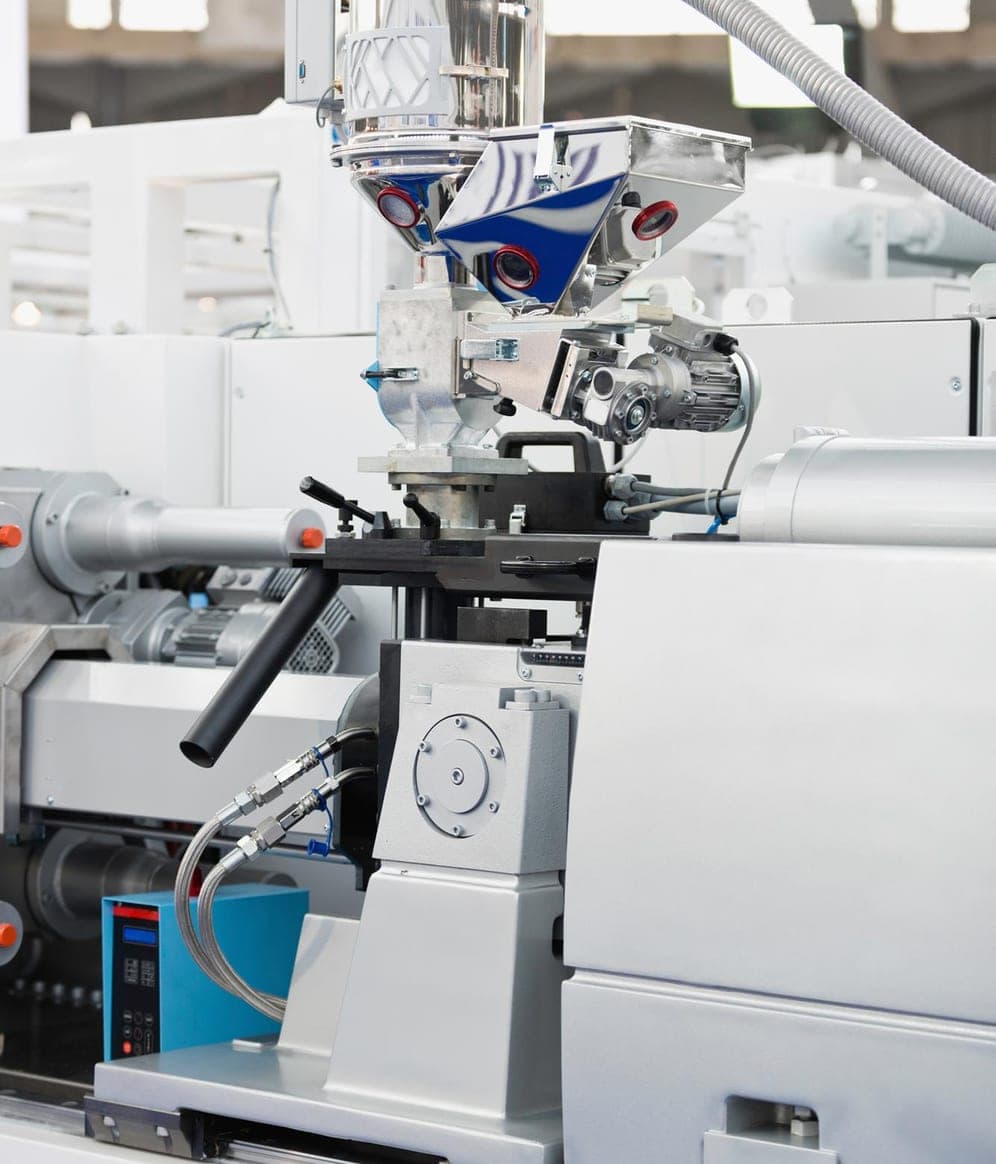
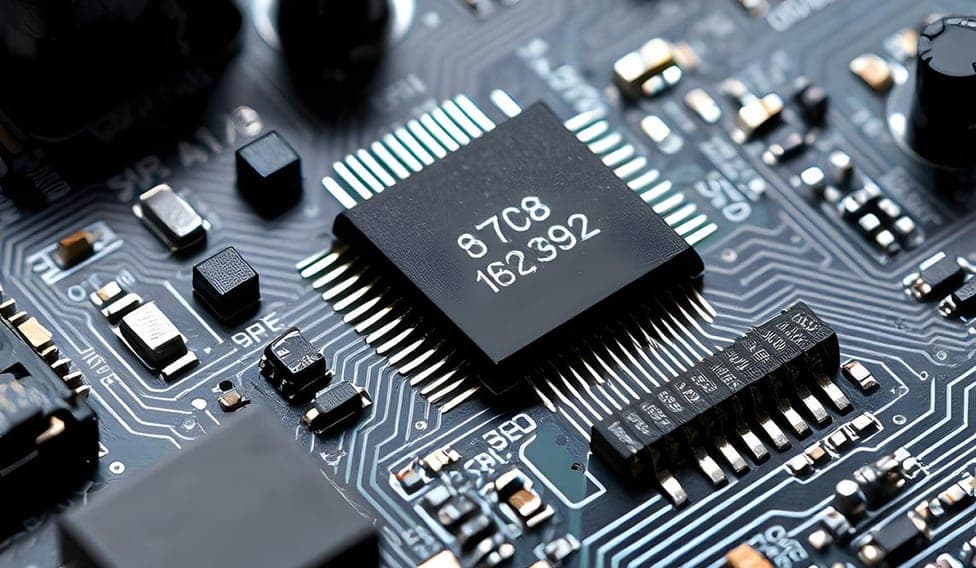
Every process runs a different floor — we build the production management that fits its flow.
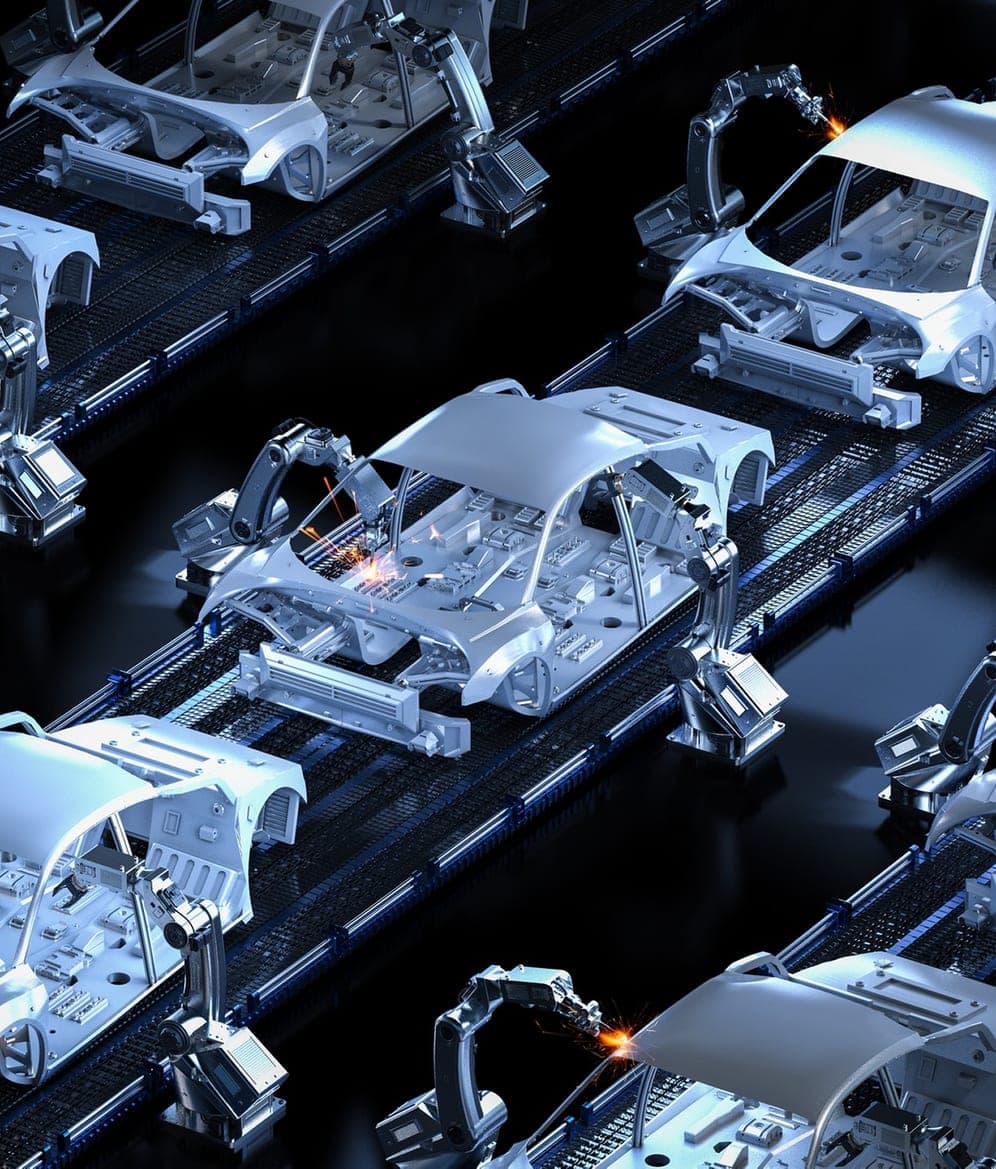
Auto parts

Metal and machining
Machinery and equipment

Plastics and injection molding

Food
Electronic components
Auto parts
Metal and machining
Machinery and equipment
Plastics and injection molding
Food
Electronic components
PROCESS
Build process
The key work at each step, from site review to stabilization.

Site review
- Map processes and machines
- Define data to collect
- Check operator routes

Collection design
- Design PLC and sensor links
- Design KIOSK screens
- Design MES and ERP links
Floor build
- Install KIOSKs and boards
- Machine I/F and data collection
- Floor network setup

Operation and stabilization
- Trial run
- Operator training
- Stabilization and maintenance


EFFECT
Effects
What it leaves behind in live visibility, accurate output, downtime and floor response.
- 01
The floor seen live
Progress and machine status by station are seen live on the board and in the office, so the situation is known without walking the floor.
Live statusRemote viewFaster decisions - 02
Accurate production results
Output is collected automatically by PLCs and sensors, so results build up without the mistakes and gaps of daily work logs.
Automatic collectionNo human errorFaster roll-ups - 03
Less downtime
Every stop and its reason is recorded, so machines that stop often and why are found and downtime reduced.
Stop reasonsHigher uptimeFewer repeat stops - 04
Faster floor response
Stoppages and missed targets are sent straight to the right people by SMS and KakaoTalk, so they act at once.
Instant alertsFaster responseAction records